Jaycar Electronics
Discover the innovation and creativity of Jaycar – Australia’s go-to name in electronics for more than 30 years.
-
3D printers & supplies
Bring your ideas to life with Jaycar’s 3D printing range, available at Oaten’s Casino. We stock filament and resin printers for hobbyists, students and makers, plus the filaments, resins, accessories and finishing tools to get a great result.
View our core range available in store here.
Not sure what you need? Pop in and chat with our team, or send us an enquiry.
-
Keep food and drinks cold on the road with Brass Monkey portable fridge/freezers, available at Oaten’s Casino. Built tough for camping, fishing and caravanning, the range runs from compact single-zone fridges to larger models, plus covers, accessories and soft cooler bags.
View our core range available in store here.
Not sure which size suits you? Pop in and chat with our team, or send us an enquiry.
-
Get the job done right with Jaycar tools and test gear, available at Oaten’s Casino. We stock multimeters, electrical testers, soldering irons, crimpers and screwdrivers, plus workbench essentials like storage cases, adhesives and cleaners, for tradies, hobbyists and DIYers.
View our core range available in store here.
Not sure what you need? Pop in and chat with our team, or send us an enquiry.
-
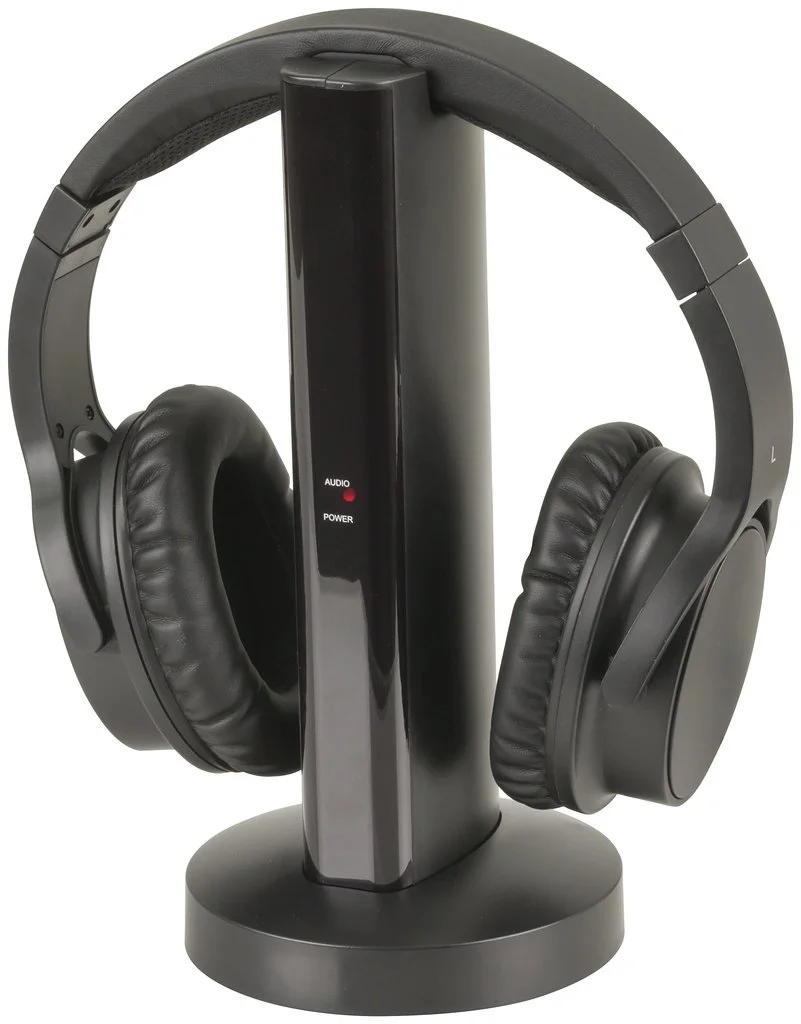
Upgrade your sound and screen with Jaycar audio and video gear, available at Oaten’s Casino. We stock speakers, headphones and microphones, plus TV brackets, AV switches and accessories for your home theatre, gaming setup or next podcast.
View our core range available in store here.
Not sure what you need? Pop in and chat with our team, or send us an enquiry.
-
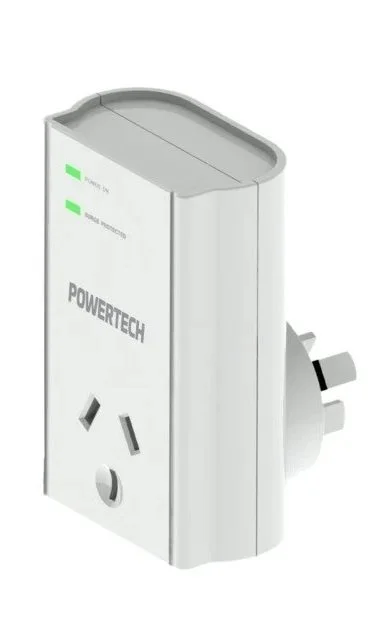
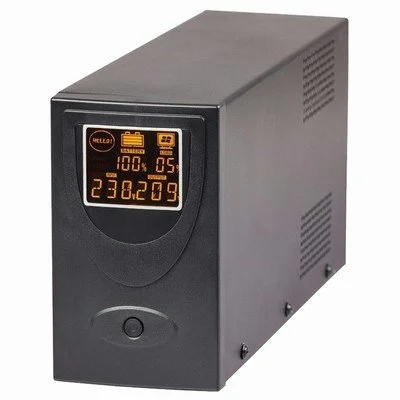
Stay powered up with Jaycar batteries and power gear, available at Oaten’s Casino. We stock everyday and rechargeable batteries, lithium and SLA batteries, chargers, power supplies and powerboards, for home, work, camping and the car.
View our core range available in store here.
Not sure what you need? Pop in and chat with our team, or send us an enquiry.
-
Make the right connection with Jaycar cables and connectors, available at Oaten’s Casino. We stock HDMI, USB and audio leads, plus plugs, sockets, Anderson connectors and crimp terminals, for home entertainment, computers, cars and DIY projects.
View our core range available in store here.
Not sure what you need? Pop in and chat with our team, or send us an enquiry.
-
Find the parts for your next build or repair with Jaycar components, available at Oaten’s Casino. We stock LEDs, switches, transistors, diodes, voltage regulators, resistors, capacitors, relays and fuses, for hobbyists, students and techs.
View our core range available in store here.
Can’t see the part you need? Pop in and chat with our team, or send us an enquiry and we can order it in.
-
Protect your home or business with Jaycar security gear, available at Oaten’s Casino. We stock security cameras, wireless and Wi-Fi cameras you can check from your phone, CCTV recorders, alarms, sirens, video doorbells and security signs.
View our core range available in store here.
Not sure what setup suits you? Pop in and chat with our team, or send us an enquiry.
-
Get connected with Jaycar computer and networking gear, available at Oaten’s Casino. We stock Wi-Fi routers and extenders, network switches and cables, keyboards, mice, USB hubs, card readers, flash drives and adaptors, for home, office and study.
View our core range available in store here.
Not sure what you need? Pop in and chat with our team, or send us an enquiry.
-
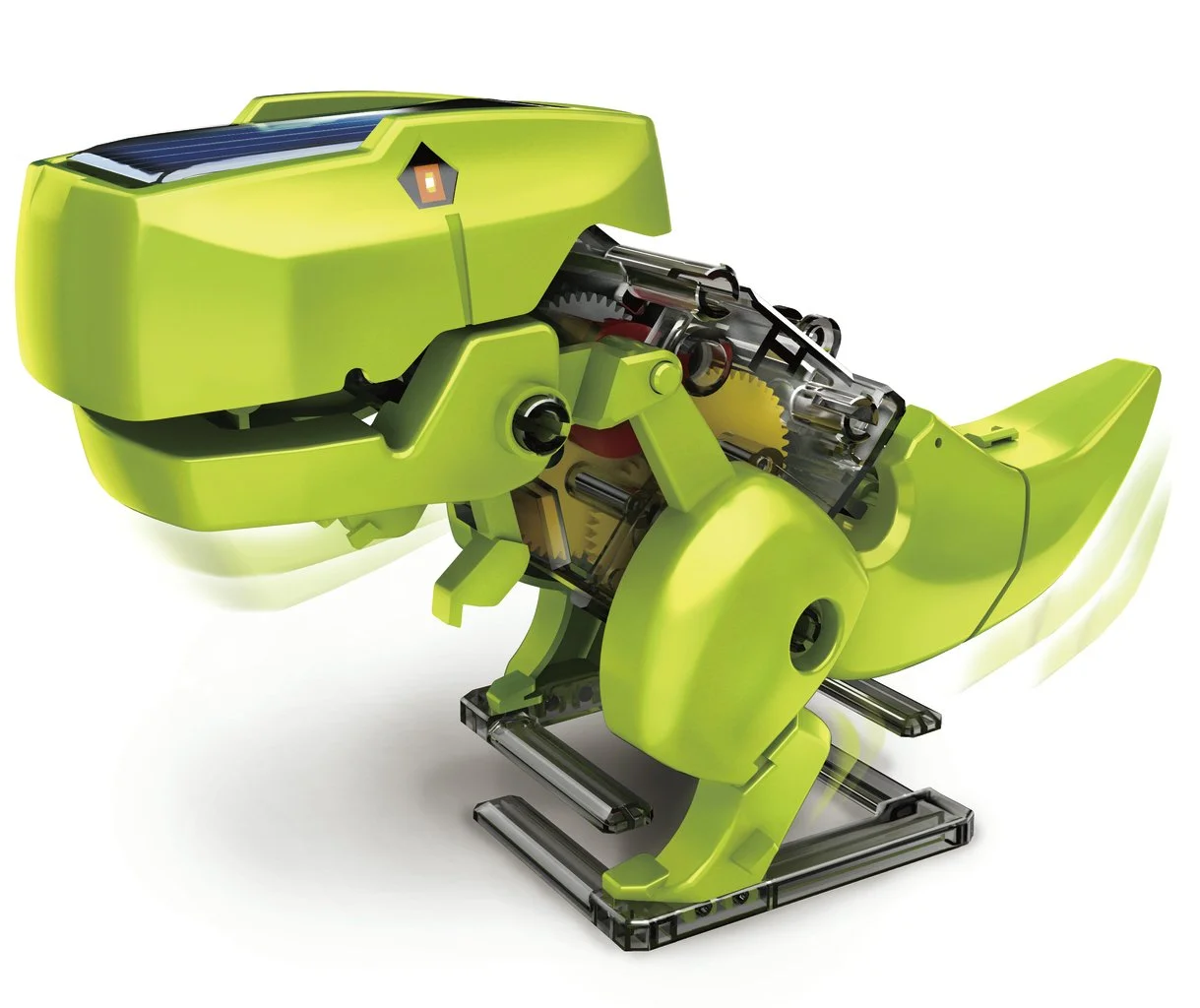
Spark curiosity with Jaycar science and electronics kits, available at Oaten’s Casino. We stock snap-together starter kits, solar and robotics kits, and other hands-on projects, great for kids, students and anyone keen to learn how things work.
View our core range available in store here.
Not sure what you need? Pop in and chat with our team, or send us an enquiry.
-
Gear up for the road and the bush with Jaycar outdoor and automotive products, available at Oaten’s Casino. We stock UHF radios, dash cams, jump starters, battery chargers, inverters, 12V camping accessories, phone holders, fans and solar lights.
View our core range available in store here.
Not sure what you need for your trip? Pop in and chat with our team, or send us an enquiry.
Electronics made easy – right here in the Northern Rivers
Browse our core Jaycar range, available in store at Oaten’s.
We align technical insight with disciplined execution to provide measurable gains across operational, financial, and strategic domains.

How to Order
The Jaycar catalogue is the electronics ‘bible’ for hobbyists and problem-solvers. Browse the book in our air-conditioned showroom and choose from more than 2,000 products. Our team can help you place your order and arrange delivery.
✔ Access to 2,000+ products
✔ Easy ordering with our team
✔ Delivery to store or your home
✔ Guidance on products

JAYCAR Authorised Reseller
|
Oaten's
|
JAYCAR Authorised Reseller | Oaten's |
3D Printer Filament
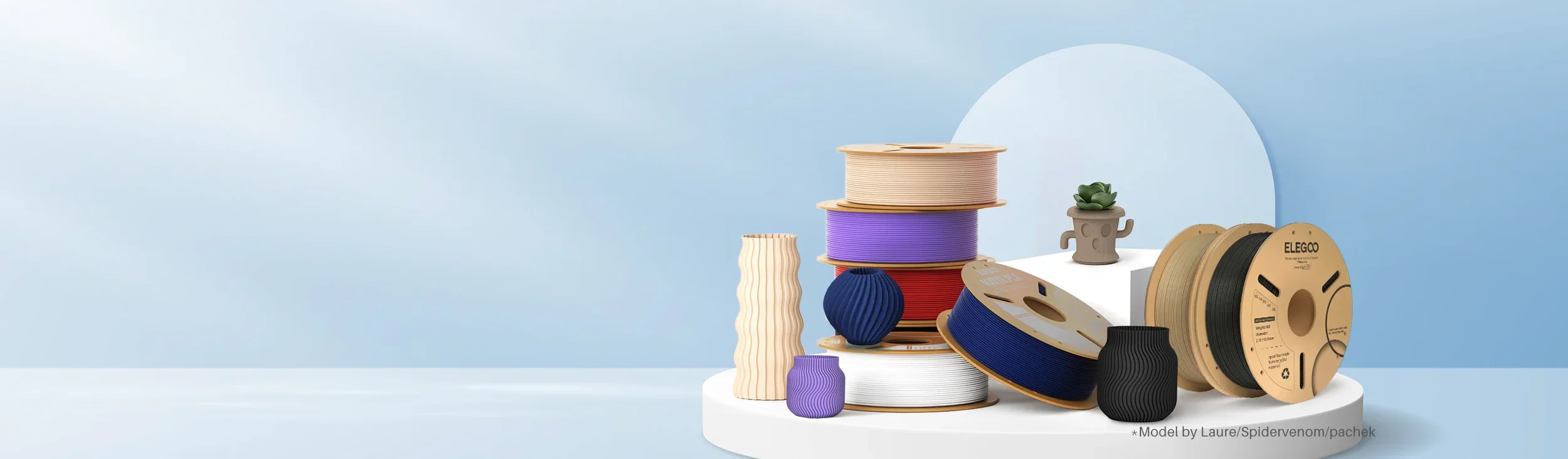
We stock Elegoo & Sunlu 3D Printer Filament Brands
-
If you're new to FDM (Fused Deposition Modelling) 3D printers, PLA is where you begin. It's forgiving, consistent, and gives you the best chance of actually finishing your first print without pulling your hair out. It is a fantastic 3D printing filament for beginners and experts alike. When we started out, PLA was the filament we used to dial in our printers, and honestly, it's still what we reach for when we just want something to work.
What is PLA Filament?
PLA (Polylactic Acid) is a biodegradable filament derived from renewable resources like cornstarch and sugarcane. That's a nice bonus, but the real reason it dominates beginner shelves is practical: it prints at lower temperatures, sticks to the bed reliably, has great layer adhesion and doesn't warp the way ABS does. You don't need an enclosure, you don't need a heated chamber, and it doesn't fill the room with fumes - you just get a great 3D print.
What is PLA Filament Good For?
PLA is the go-to for prototypes, display models, decorative pieces, and anything that lives indoors. Silk PLA variants look impressive but are generally less structurally strong than standard PLA, so stick with Basic PLA where rigidity matters. PLA produces clean, detailed prints with a smooth finish and fantastic print quality - great for figurines, household items, educational models, parts that need dimensional accuracy and early-stage product prototypes where you just need to see the form. PLA has a great 'touch' or 'feel' and is considered a very strong filament when not under a sustained load.
Where it falls short is heat and UV. Leave a PLA print on your car dashboard on a warm day and you'll come back to a puddle. It starts to soften around 50°C, so it's not suited for anything that needs to hold its shape under load or heat. For those applications, you'll want to look at PETG or ASA.
Tips for Printing with PLA
One thing that catches people off guard: PLA absorbs moisture from the air. If your filament has been sitting open for a while and you're getting bubbles, stringing, or inconsistent extrusion, it's probably wet. A filament dryer solves this quickly - it's worth having one on hand before you start blaming your printer settings. Dry filament is the single most common fix for print quality problems.
Beyond that, PLA is low-maintenance. A standard build plate works well, though a light application of adhesive can help with bed adhesion on larger prints. Stick to the recommended temperature range for your specific filament brand - most PLA runs well between 190-220°C at the nozzle. In most cases, a heated bed is not required, but as your skills increase, so will the complexity of your prints. This is where a heated bed does prove itself.
Moving Beyond PLA
Once you've got a feel for your printer with PLA, the natural next step is PETG - more durable, more temperature stable, but a little less forgiving to print. After that, TPU opens up a whole new world of flexible, rubbery prints. Think of PLA as your foundation. Get it dialled in, then build from there.
-
Elegoo PLA (Polylactic Acid) Matte filament is a premium 3d printing material designed to deliver a smooth, matte finish with minimal visible layer lines. It's an excellent choice for creating aesthetically pleasing models such as decorative items, cosplay props, and prototypes.
-
If PLA is where you start and ABS/ASA are where things get demanding, PETG is the filament that sits comfortably between them. It’s the material we reach for when a print needs to actually do something - hold a load, sit near a heat source, or spend time outdoors without turning brittle. Once you've got PLA dialled in, PETG is the natural next step.
What is PETG Filament?
PETG (Polyethylene Terephthalate Glycol) is a modified version of the same plastic used in water bottles - with the glycol modification making it easier to print and less prone to brittleness. It sits in a genuinely useful middle ground: more durable and temperature-stable than PLA, but far more forgiving to print than ABS 3D filament. You don't need a heated chamber, it doesn't release the fumes ABS does, and it works fine on an open printer.
What is PETG Good For?
PETG is the filament to reach for when the print needs to perform, not just look good. Mechanical parts, brackets, enclosures, anything that sits in a warm environment and needs decent heat resistance, chemical resistance, and high impact strength, or any parts used as functional outdoor components - these all suit PETG well.
PETG also has solid UV resistance and handles moisture better than PLA, both of which make it a genuine option for parts that live outside or in humid conditions.
The tradeoff is 'feel'. PETG has a slightly different surface texture to PLA - it's not quite as satisfying to the touch, and the finish isn't as crisp. For display models or anything purely aesthetic, PLA still wins. But if your print is going to be used, PETG earns its place.
Tips for Printing with PETG
PETG is a little stickier than PLA, which sounds like a good thing until it bonds too well to your build plate and you end up breaking the print trying to remove it. A light layer of release agent or a PEI sheet helps here. Don't skip this step.
PETG is also more sensitive to print speed. Slow it down compared to your PLA settings and you'll get much better layer adhesion and fewer stringing issues. Most PETG runs well between 230-250°C at the nozzle with a bed temperature around 70-85°C. Like PLA, it absorbs moisture, so if you're getting bubbles or inconsistent extrusion, or notice a drop in tensile strength, get it in the dryer before you start chasing slicer settings.
One important note: PETG has lower temperature tolerance than ABS or ASA. It's not the right choice for parts that see sustained heat above around 80°C.
Moving Beyond PETG
Once PETG feels comfortable, ABS and ASA open up higher heat resistance and more demanding mechanical applications - but both require a more controlled printing environment. Alternatively, TPU takes you in a completely different direction with flexible, impact-absorbing prints. PETG is a strong foundation for both paths.
-
If you're printing anything that lives outside or gets exposed to heat and sunlight, PLA won't survive it - it yellows, warps, and loses structural integrity fast. ABS handles heat better but still degrades under UV. ASA is the material you reach for when your print needs to survive the real world.
ASA (Acrylonitrile Styrene Acrylate) is engineered specifically for outdoor and high-stress environments. It holds up against UV exposure, humidity, and high temperatures without the colour fade or brittleness you'd get from other common filaments. If you're making garden fixtures, automotive parts, enclosures, or anything that sits outside long-term, ASA is the right call.
How Does It Compare?
ASA keeps the toughness of ABS and adds genuine weatherability. It also shrinks less during cooling than ABS (around 0.7% versus 1.6%), which helps with dimensional accuracy on functional parts.
PLA is the easiest to print but has the weakest real-world durability. It softens in moderate heat and degrades quickly in sunlight. ABS is tougher and handles heat better, but UV exposure causes it to become brittle and discolour over time.
PETG sits closer to ASA in ease of printing but doesn't match it for UV resistance or heat tolerance. If your part is outdoors for any extended period, PETG is a compromise. ASA isn't.
What to Expect When Printing
ASA isn't as forgiving as PLA, but it's not difficult once your setup is dialled in. A heated bed is required, with the build plate sitting between 90°C and 110°C to prevent the first layer from lifting. An enclosed print chamber set to around 60°C keeps ambient temperature stable and significantly reduces warping, and ventilation or carbon filtration is required: ASA produces fumes during printing.
Keep fan speed low or off entirely during printing. Rapid cooling is the main cause of warping and layer separation with ASA, so resist the urge to run the part cooling fan at full speed. Like most technical filaments, ASA is moisture-sensitive. Store your filament sealed between prints or dry it before printing, and you’ll see a consistent improvement in print quality.
-
Prints That Bend Without Breaking
Most FDM 3D printers are all about making things rigid. TPU flips that entirely. If you’ve been printing with PLA and PETG and wonderedwhat it would take to print something that actually flexes, grips, or absorbs impact - this is the filament. It's one of our favourites, and once you print your first successful TPU part, you'll start seeing uses for it everywhere.
What is TPU Filament?
TPU (Thermoplastic Polyurethane) is a flexible, impact-resistant filament that sits somewhere between hard plastic and rubber. What makes it genuinely interesting is that you control the hardness - not by changing the material, but by changing how you print it. More wall layers and denser infill produces a stiffer result. Fewer walls and sparse infill gives you something that compresses and bounces back. The same spool can produce very different outcomes depending on your slicer settings.
TPU is durable, abrasion-resistant, and handles impacts that would crack a PLA or PETG print outright. It also has decent chemical and UV resistance, which makes it useful for parts that see real-world conditions. Some formulations even carry antibacterial properties, which opens up applications in medical accessories, food-contact parts, and protective gear.
What is Shore Hardness?
Shore hardness is the industry-standard way of measuring how soft or rigid a rubber-like material is - essentially a scale for how much resistance it puts up when you push into it. For TPU, this rating tells you two things: how flexible the finished print will be, and how easy the filament is to feed through your extruder.
TPU filaments are rated on either the Shore A or Shore D scale. Shore A covers the softer end - common ratings you'll see are 85A (very flexible, almost rubbery), 90A, 95A, and 98A (firmer, but still has give). Shore D takes over at the harder end, with ratings like 64D and 70D producing prints that feel more like a hard plastic but still have some flex compared to PLA or PETG.
As a general guide: the lower the number, the softer and more flexible the print - and the more patience your extruder will need. Softer grades like 85A require slower print speeds and work best with a direct drive setup.
What is TPU Good For?
Phone cases, cable protectors, grips, gaskets, vibration dampeners, hinges, wearable accessories, and protective gear are all natural fits. Anywhere you need a print to flex, compress, or cushion - TPU is the answer. It's also commonly used alongside rigid filaments in multi-material setups, adding flexible joints or soft-touch surfaces to otherwise hard prints. Transparent options add another dimension for applications where you want flexibility and visibility combined.
If you've been printing display models and prototypes and want to start making functional parts that interact with the real world, TPU opens that door.
Tips for Printing with TPU
We have to be upfront here: TPU is not beginner-hostile, but it does punish impatience. Slow your printing speed right down - significantly slower than your PETG settings. TPU doesn't like being rushed, and fast print speeds cause the filament to buckle in the extruder before it reaches the nozzle. TPU is flexible and durable but requires a soft touch. Some higher-Shore-rated TPUs do support high-speed printing, but check your specific filament's spec sheet before pushing it.
Direct drive extruders handle TPU much better than Bowden setups. If you're running a Bowden tube, it's still possible, but you'll need to experiment more with retraction settings and speed. Before your first print, check our 3D printing supplies page for adhesive and release agent - TPU bonds strongly to some build surfaces and removal can be tricky without one.
Most TPU runs between 220-240°C at the nozzle with a bed temperature of around 30-60°C. If you're printing abrasive or filled TPU variants, a hardened steel nozzle is worth the investment. As always, dry filament is non-negotiable - TPU is hygroscopic, and wet filament will string badly and produce weak, bubbly layers. Check the drying temperature for your specific grade before you start, as it varies.
Moving Beyond TPU
Once you’re comfortable with flexible prints, ABS and ASA are the logical next step if you need higher heat resistance and harder mechanical properties. Both require a more controlled environment e.g. an enclosed printer and good ventilation, but the capability jump is significant.
-
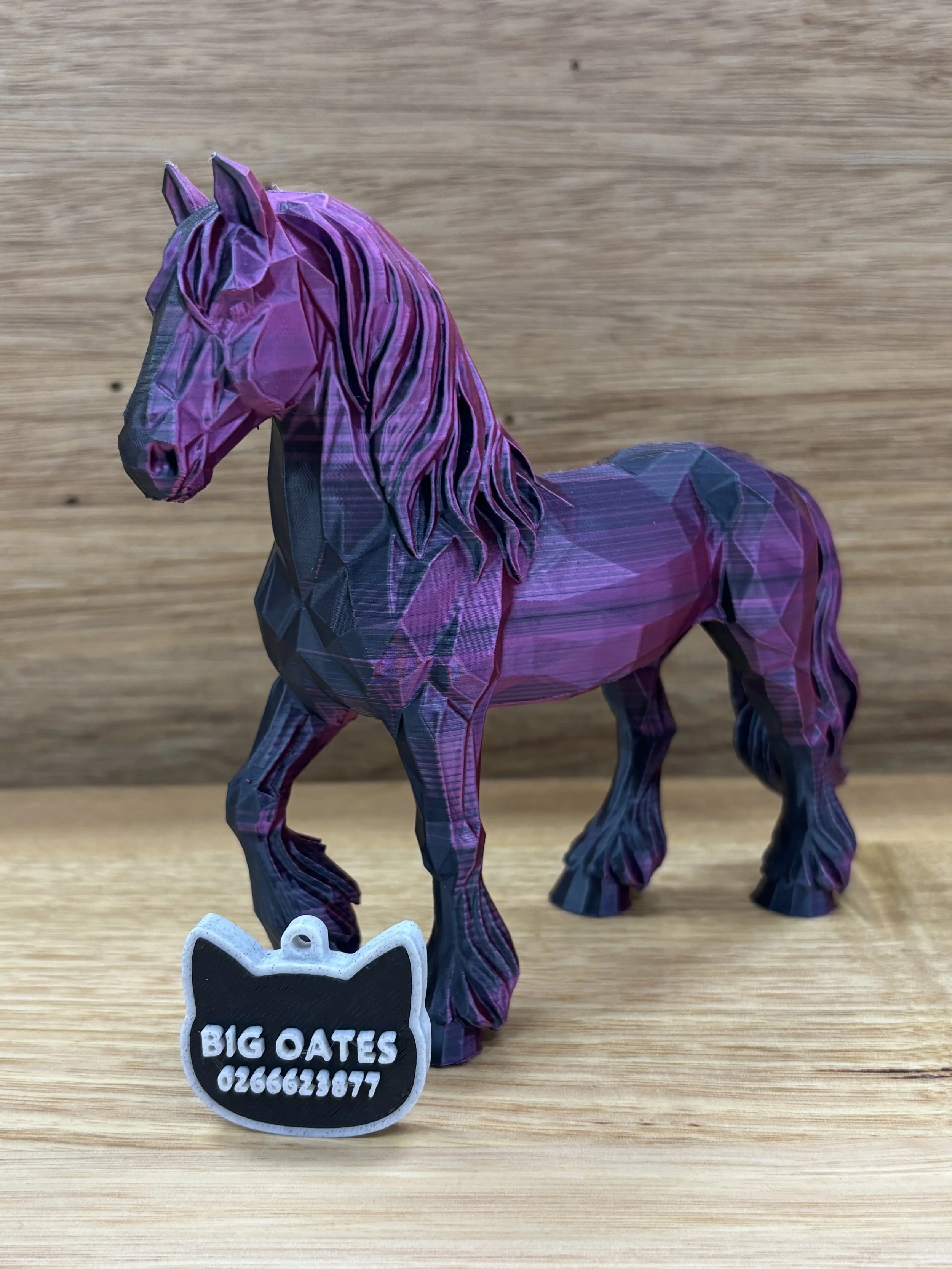
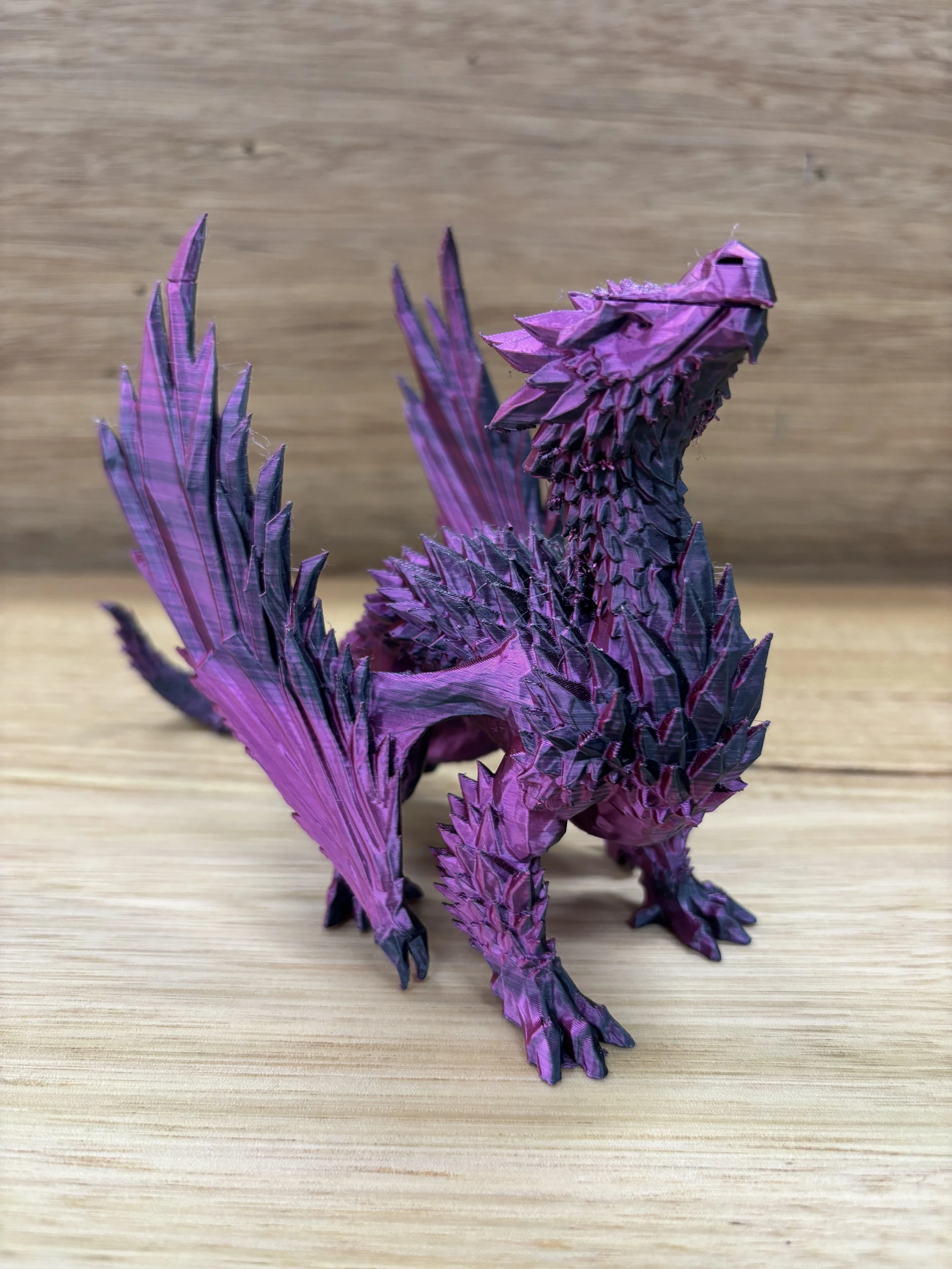
Elegoo Galaxy PLA (Polylactic Acid) filament is a premium 3D printing material designed to deliver a visually striking, glossy finish with a subtle color-shifting effect. This filament is ideal for creating models that require a polished, eye-catching appearance, such as decorative items, cosplay props, and prototypes.
Hot off the 3D Printer in store at Oaten’s, Casino
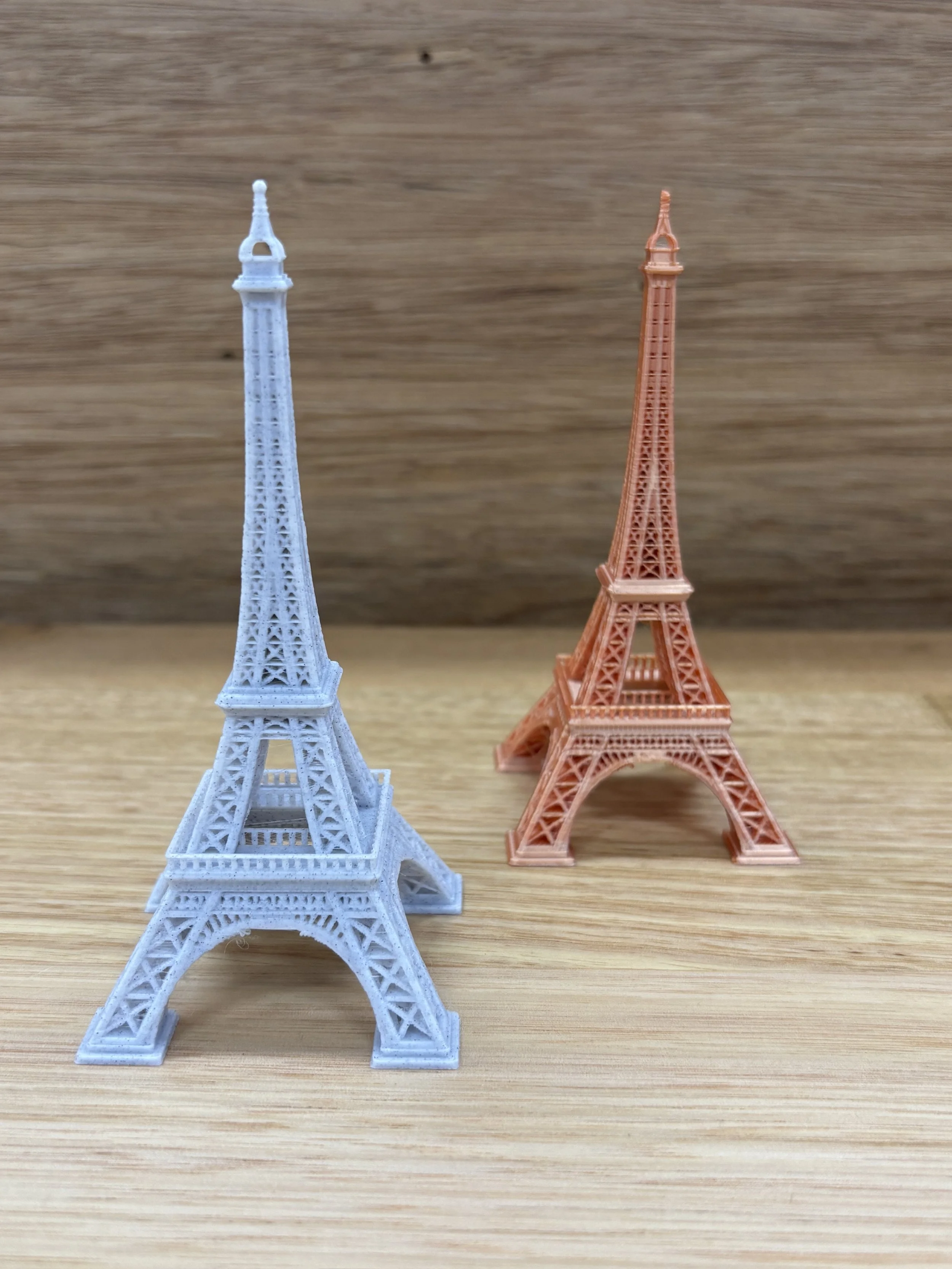
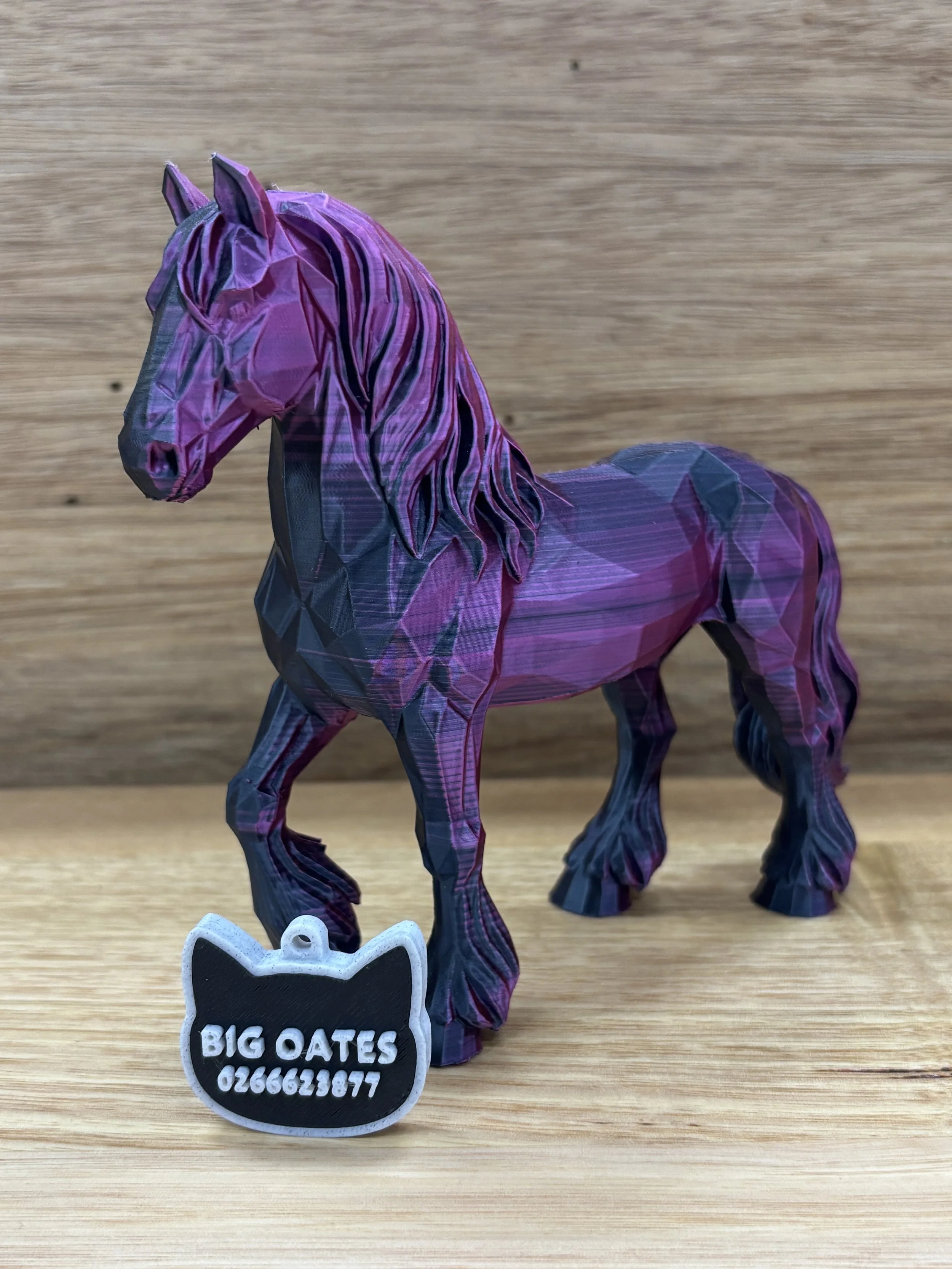
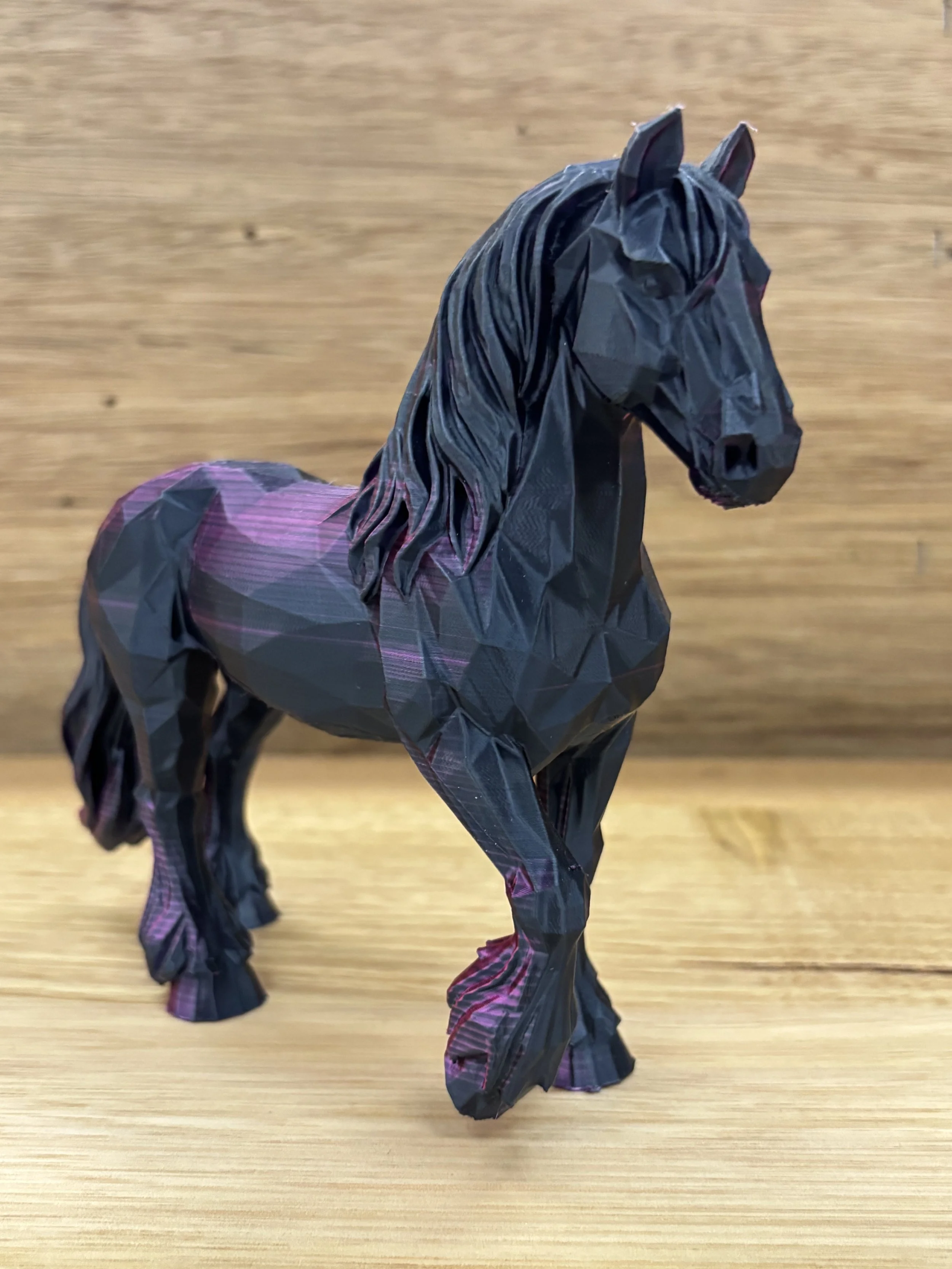
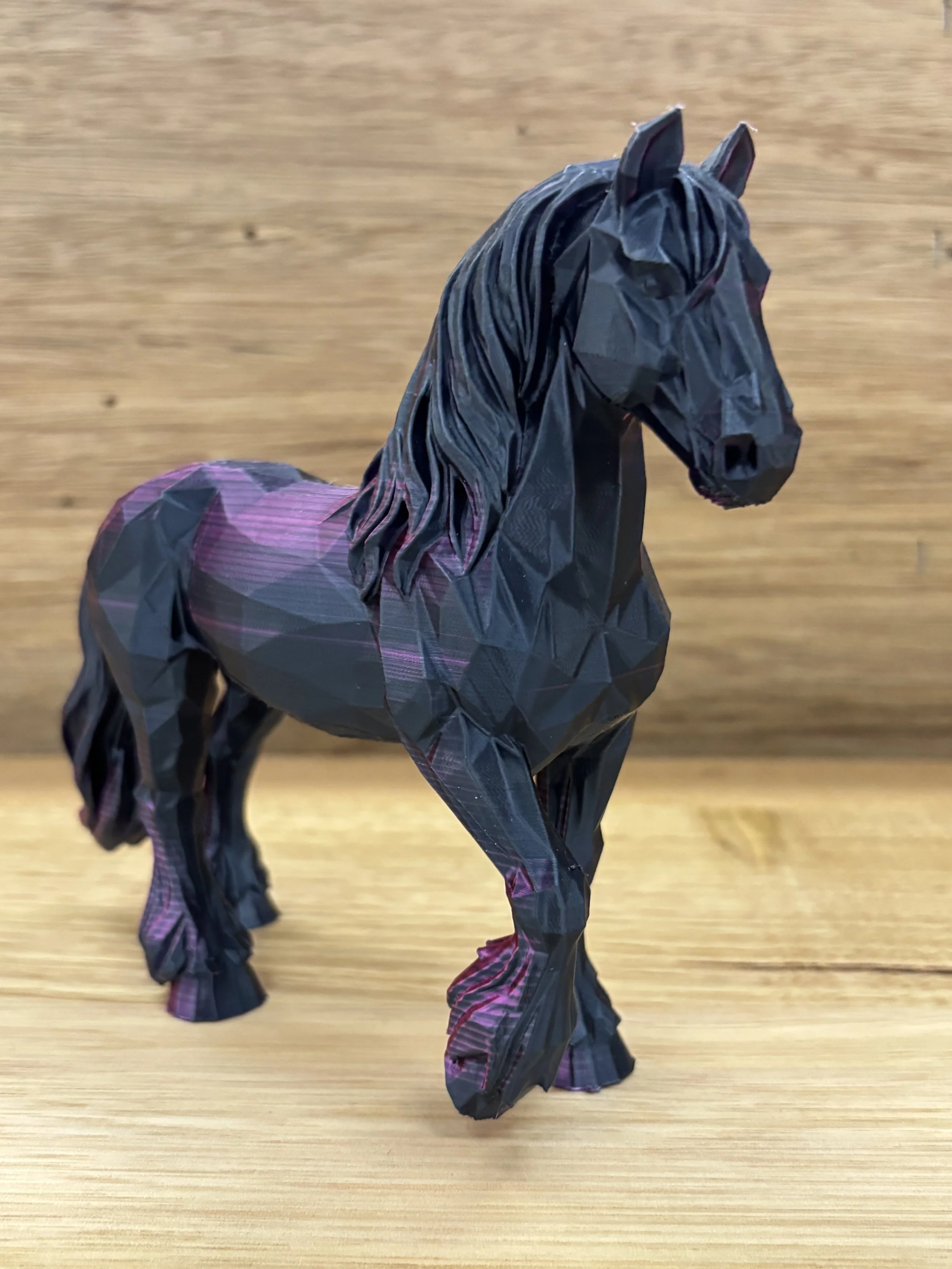
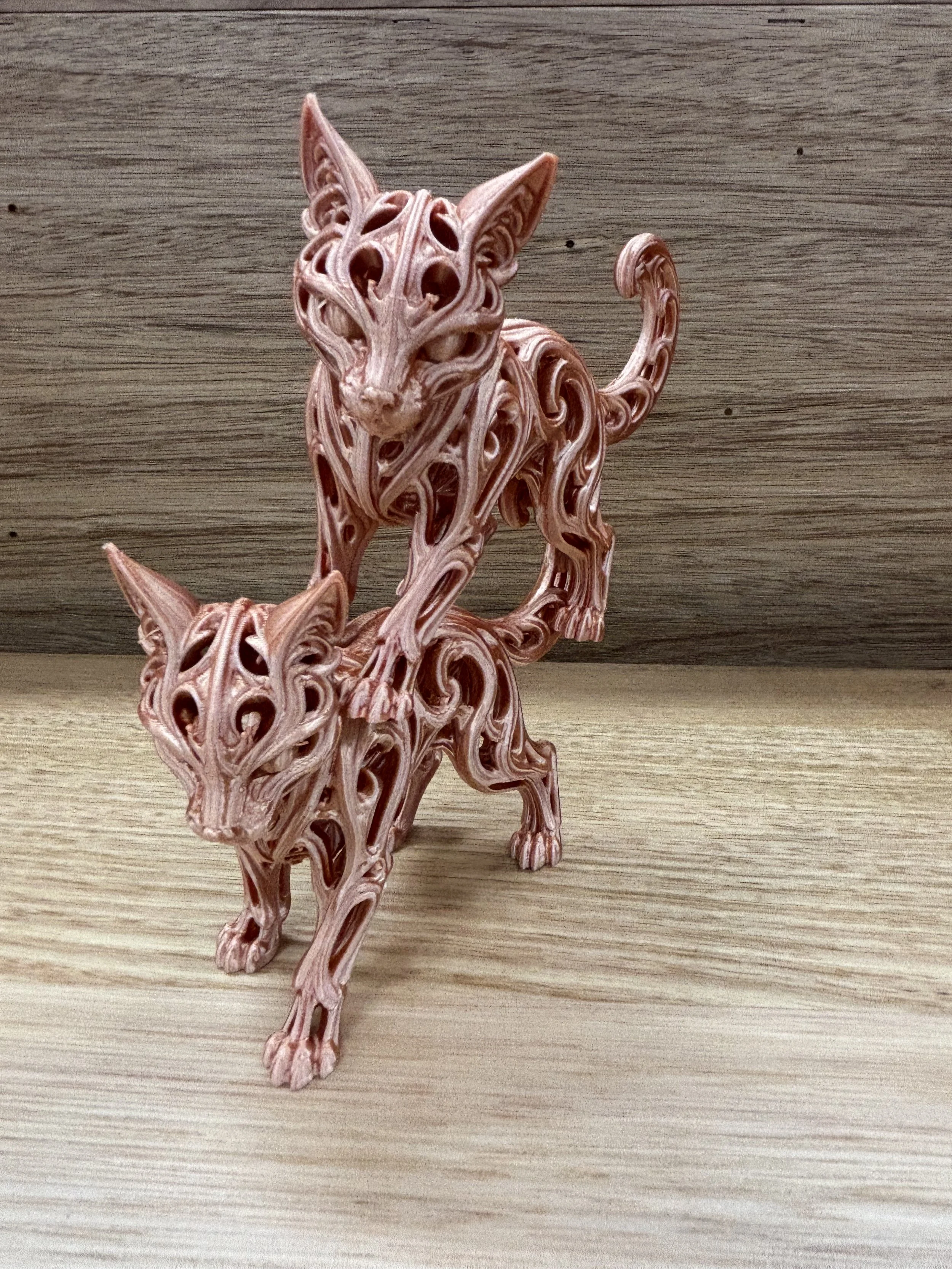
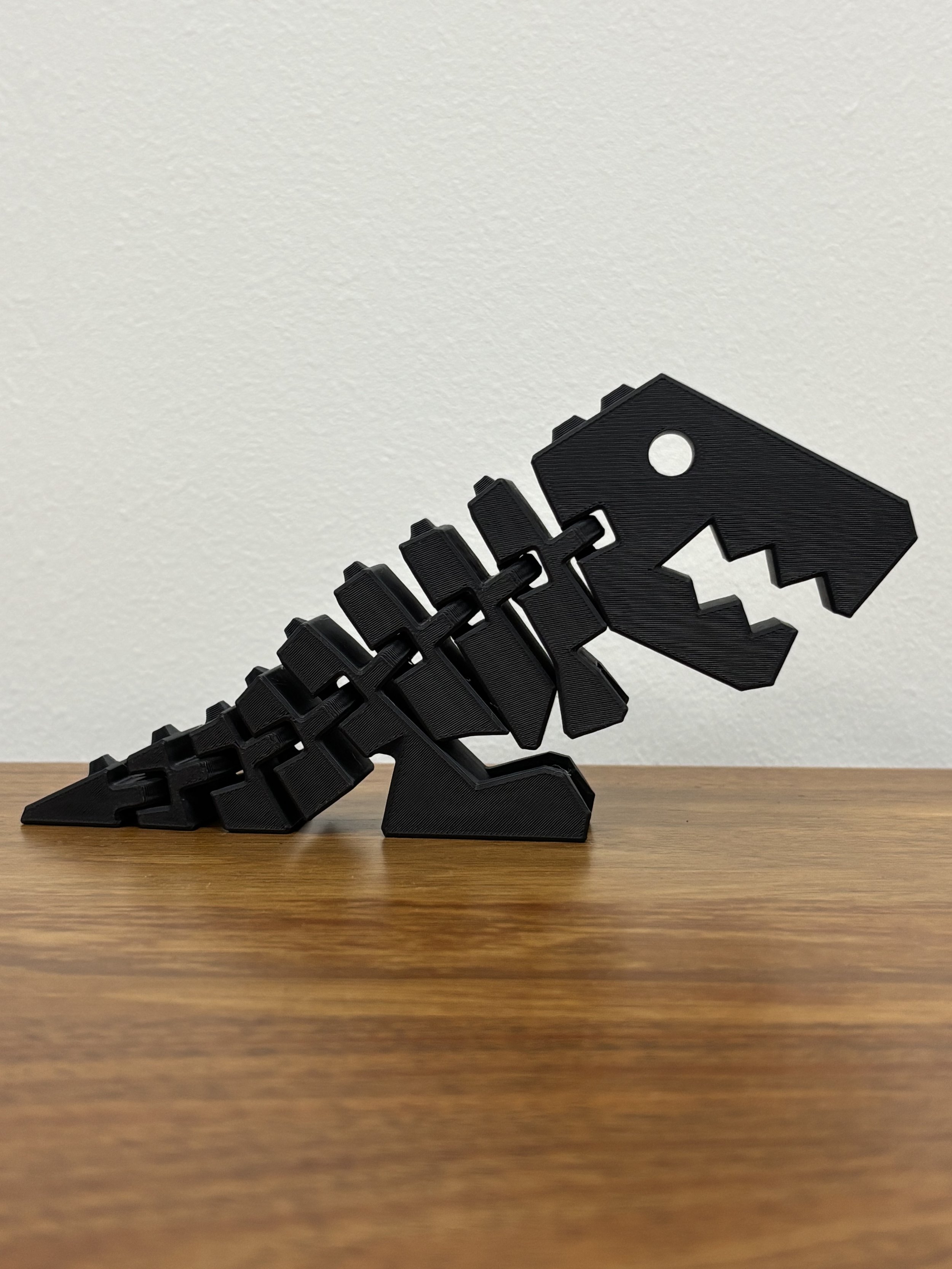
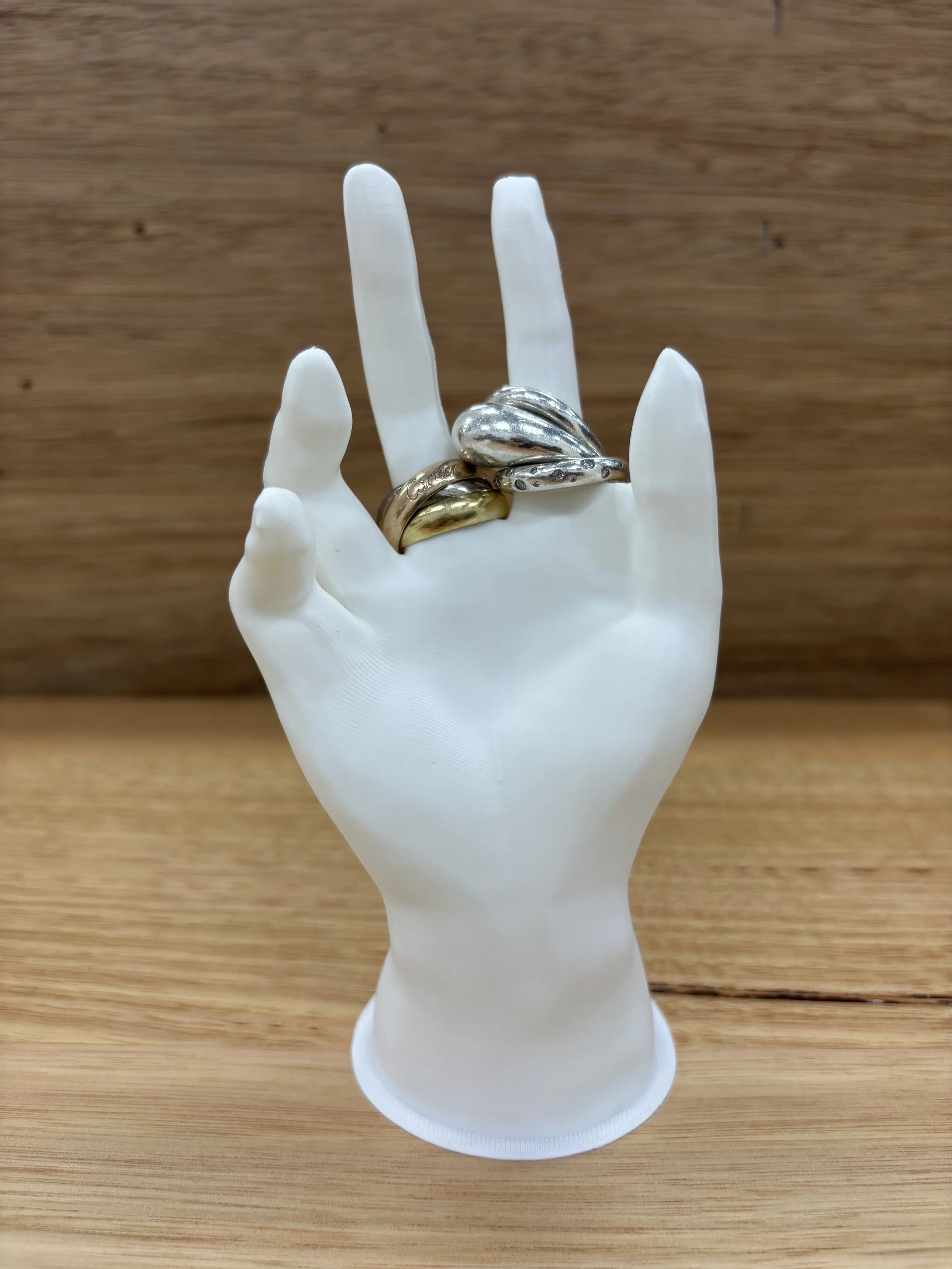
Got a question? Want to check in-store stock availability? Order a product for in-store click & collect?
Send us a message via the chat below.
Follow OATEN’S JAYCAR CASINO Facebook